Kathleen · English
Voice Model · 0:03
Choose a voice model and create a song. Add your own lyrics or let AI write them.
A new song, a voice you choose, and room for your own words. Start with the part of the idea you already have.
Song generation and singing voice conversion share one creation flow, so your selected voice becomes part of a new vocal song.
Lyrics are optional. Your own words can lead the song, while a music idea, genre and mood provide direction when you want fresh lyrics.
Saved references stay in My Voice for future songs, bringing a familiar vocal starting point to different musical ideas without recording every time.
Song Details includes the original generated song and any available converted vocals or instrumental, giving you more ways to review the finished recording.
Build a vocal demo from a short voice reference, your own lyrics or a musical idea, then listen to the result.
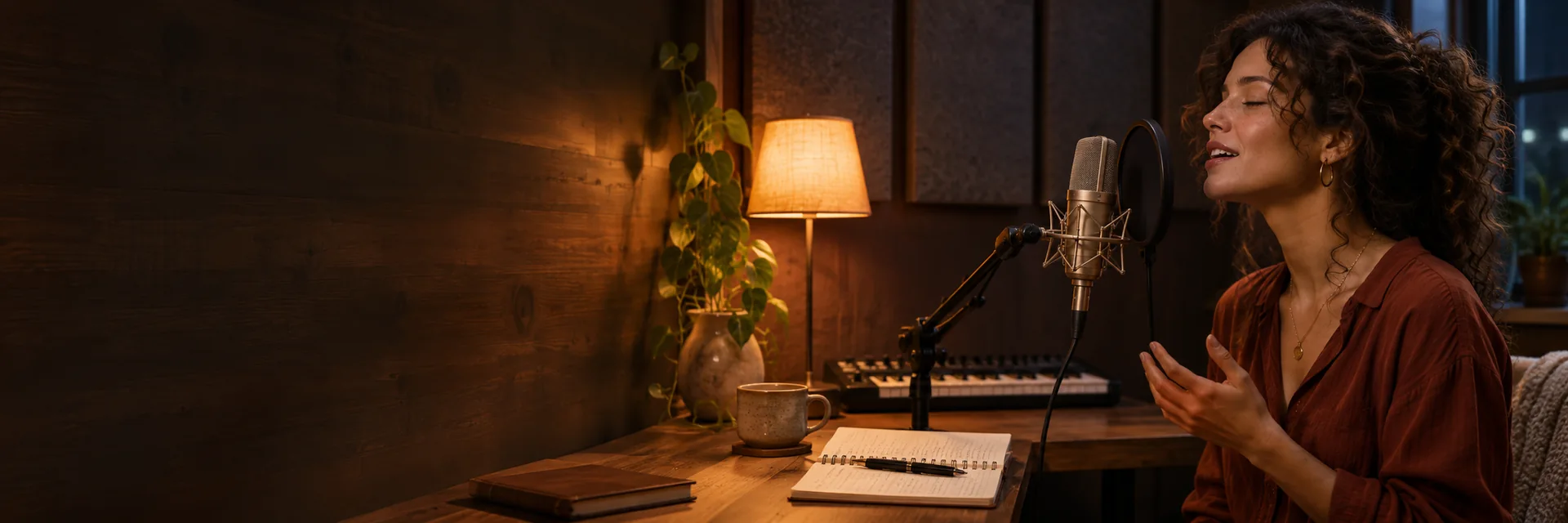
Give your song a familiar vocal starting point. My Voice accepts a clear singing or speech reference lasting 3 to 30 seconds, recorded with your microphone or selected from an uploaded file. Save the reference, then choose it for a new song. A quiet room and a clear solo voice help you provide a useful source for conversion. Use a voice you own or have permission to use.
Create Your Song
Start with a scene, a feeling or a story you want to sing about. Describe the Music Idea gives the song its creative direction, while the selected voice shapes the singing after the music is generated. Try a reflective piano ballad about moving home or an upbeat pop song for a birthday. You do not need an existing full song as the starting input.
Create Your Song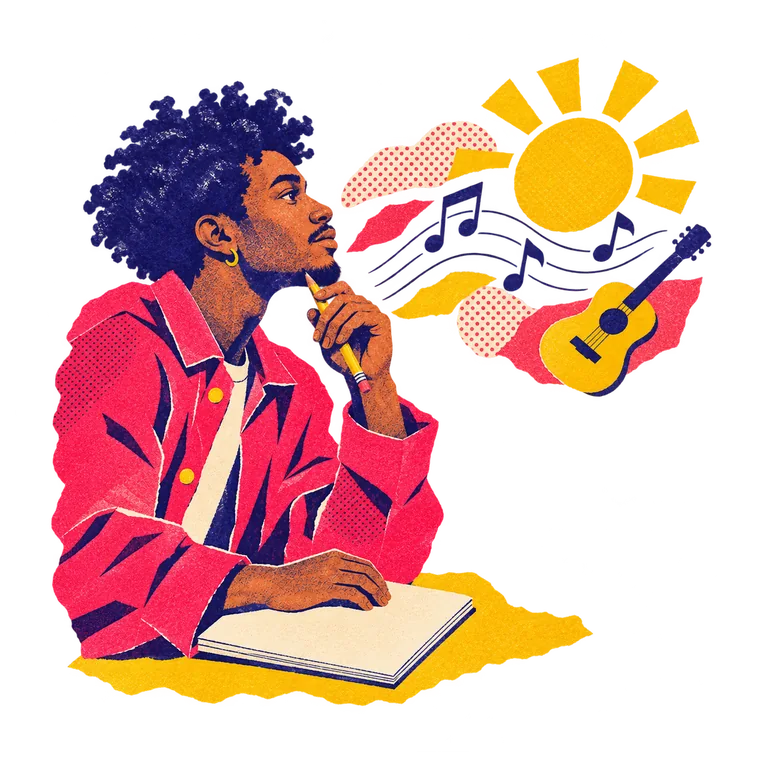
Keep the words you have been working on at the center of your song. Your Lyrics accepts 10 to 3,000 characters, or can be left blank for automatic lyrics. Verse and chorus labels can help express your intended structure. Keep musical direction in the separate idea field, so your lyric draft remains easy to read. This works for a first chorus, a personal gift or a songwriting demo.
Create Your Song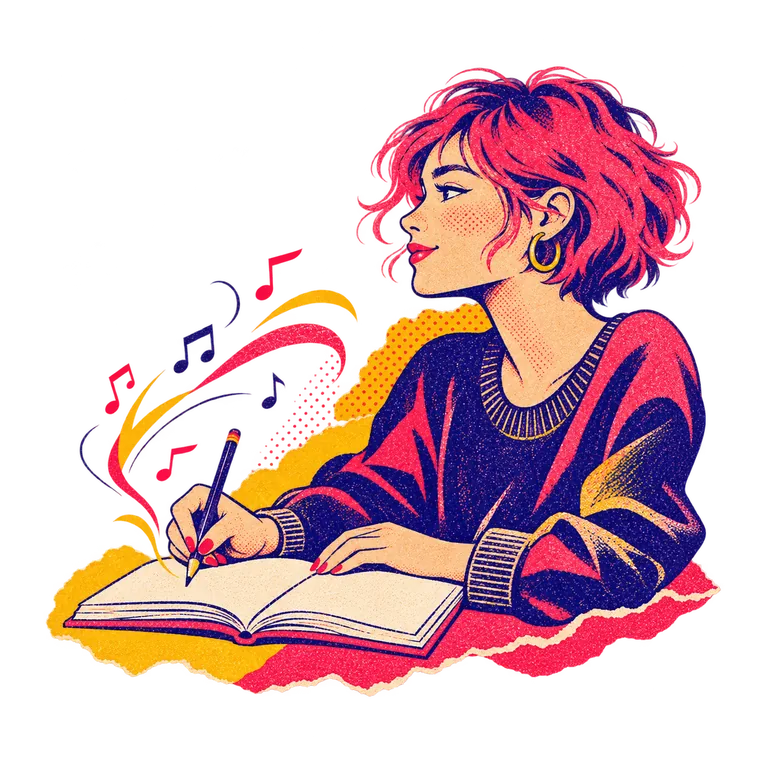
Explore a different vocal direction without recording a reference of your own. System Voices offers voice previews and available voices for song creation. Listen for a tone that suits your idea, then select a voice the tool currently makes available. A gentle delivery may fit an intimate lyric, while a brighter vocal direction may suit a pop demo. The finished performance can vary from the preview.
Create Your Song
Give the same voice a different musical setting. Genre and Mood help describe the feel, while your music idea can name instruments, energy and vocal delivery. Music Quality offers Standard, Enhanced and High Quality where available. These choices shape the creation request rather than promise a specific performance. Keep the brief focused, then listen to the result before deciding what you want to change next.
Create Your Song
Hear the completed song in My Creations and return to it from your library. Song Details lets you check any available source and component recordings alongside the final mix. Eligible songs offer MP3 and WAV downloads. Downloads require an active paid plan or valid unused purchased pack credits, plus the song’s saved download permission. That gives you a clear point to review the recording before taking it into your next project.
Create Your Song
Choose the voice, give the song a direction, and hear what your idea becomes.
Select an available System Voice or a saved My Voice. To add your own, upload or record a clear reference and save the selected passage.
Enter your own lyrics or leave them blank for automatic lyrics. Describe the sound or story, then choose a Genre and Mood if helpful.
Choose Music Quality and review the total on Create Song. The quote combines music generation and voice conversion, with automatic lyrics when needed. Sign in to create your song.
Open your result in My Creations. Listen to the final mix and check available recordings in Song Details before using any eligible download.
Some tools create a new song. Others transform a vocal recording or give you detailed control over notes and lyrics.
| Comparison Criteria | CocoMusic | Nafy | Kits AI | OpenMusic | Audimee | ACE Studio |
|---|---|---|---|---|---|---|
| Starting point | A new song from an idea or lyrics | Existing song + a voice model | Custom voice creation | Voice reference, then a song | Uploaded or recorded vocals | MIDI + lyrics; text generation also offered |
| Your own voice | Upload or record 3 to 30 seconds | Train on 10 s to 5 min of clean vocals | Create a custom digital voice | Upload or record a reference | Train a personal voice | Custom training; plan terms apply |
| Voice choice | Available System Voices or My Voice | Saved trained models | Artist voice library | Saved AI singer library | Library, trained or mixed voice | AI singers and blended voices |
| Melody and phrasing | Generated with the new song | Follow the source song | Original and AI clone examples | Apply a voice to the selected song | Input performance + pitch edits | MIDI and phoneme timing |
| Vocal options | Voice, genre, mood and music quality | Custom model selection | Blending, harmonies and voice variants | Named singer and gender selection | Voice mixing and pitch line | Breaths, pitch and expression |
| Listening and next steps | Final mix and available song parts | Preview and download the result | Voice examples and audio tool suite | Voice showcase and result export | Hear conversion; try other voices | Editable vocal clip and DAW bridge |
Answers about voice references, lyrics, credits and using your finished song.
An AI singing voice generator creates a vocal song and applies the voice you select. CocoMusic generates a new song from your idea or lyrics, then converts its singing voice. If you already have a finished recording and want to change its singer, use AI Song Cover Generator instead.
Yes. Save a clear singing or speech reference lasting 3 to 30 seconds in My Voice, then select it for your song. You can upload a file or record with your microphone. Use your own voice or a voice you have permission to use, and review the result rather than expecting a perfect copy of a performance.
No. Leave Your Lyrics blank for automatic lyrics, or enter 10 to 3,000 characters of your own words. The music idea field, Genre and Mood help describe the direction. Keep actual sung words in Your Lyrics and production notes in the music idea.
You can upload MP3, WAV, OGG, M4A, AAC, FLAC or WMA audio, then select a short voice passage. Uploaded files can be up to 10 minutes long. The file size limit is 100 MB. Only the selected passage becomes the saved voice reference. Clear solo singing or speech is a useful starting point, with background noise and overlapping speakers kept low.
Creating a song uses credits for music generation and voice conversion. The total also includes automatic lyric creation when needed and is shown on Create Song before acceptance. Voice preparation can have its own displayed charge. Browsing the page and listening to the public examples do not require creating a song.
This tool uses automatic song length and has no custom duration selector. Its voice reference length is separate from the length of the generated song. For a new song with the shared generator’s available duration choices, visit AI Music Generator.
Yes, when your account access and the song’s saved download permission qualify. MP3 and WAV are supported for eligible main songs. Download access requires an active paid plan or valid unused purchased pack credits. Free or bonus credits alone do not grant that access.
Commercial use requires an active paid plan or valid unused purchased pack credits, the song’s valid saved commercial license, and the necessary rights to your lyrics, recordings and voice. Those conditions do not establish copyright ownership or exclusivity. Check the license attached to the specific song before using it in a commercial project.
An exact match is not guaranteed. The reference guides voice conversion, while the generated song brings its own melody, phrasing and delivery. Listen to the public examples for context, use a clear reference, and review the full song for words, pronunciation and the sound of the chosen voice.
Your saved voice library and songs are private by default. Songs become accessible through listening links you choose to create. Revoking a link stops new visits through it, but cannot recall a copy that someone already saved. Voice references and song creation still require online processing.
Your voice references and songs have their own privacy rules, with sharing controlled through your account.
Saved My Voice references are listed only for their account owner. This keeps the voice collection tied to your account when you return to select a voice for another song.
A completed song is kept in your private library. Creating a song does not automatically publish it to a public listening page or a public discovery feed.
Sharing is an explicit account action. You can revoke a listening link to stop new visits through it; revocation cannot recall files or copies already saved by someone else.
CocoMusic does not use your prompts, lyrics, uploaded files or generated songs to train AI. Online creation still sends the materials needed to process your request to the relevant services.
Bring a voice, a few words or a musical idea. Start shaping the song you want to hear.