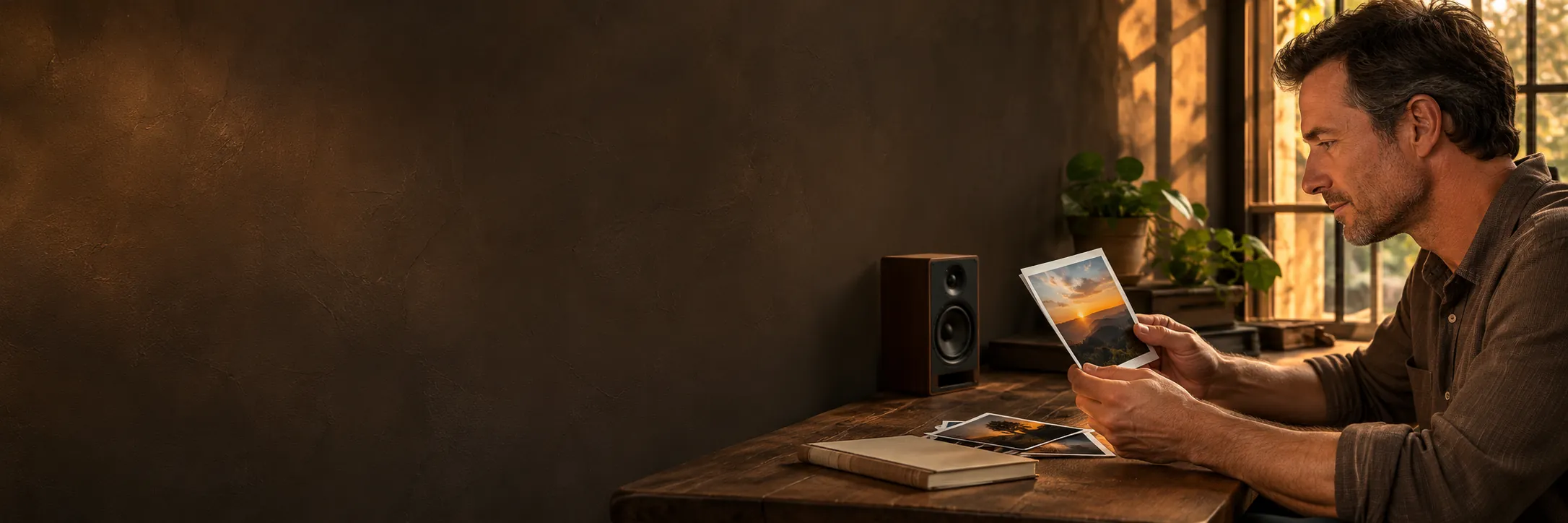
Source Image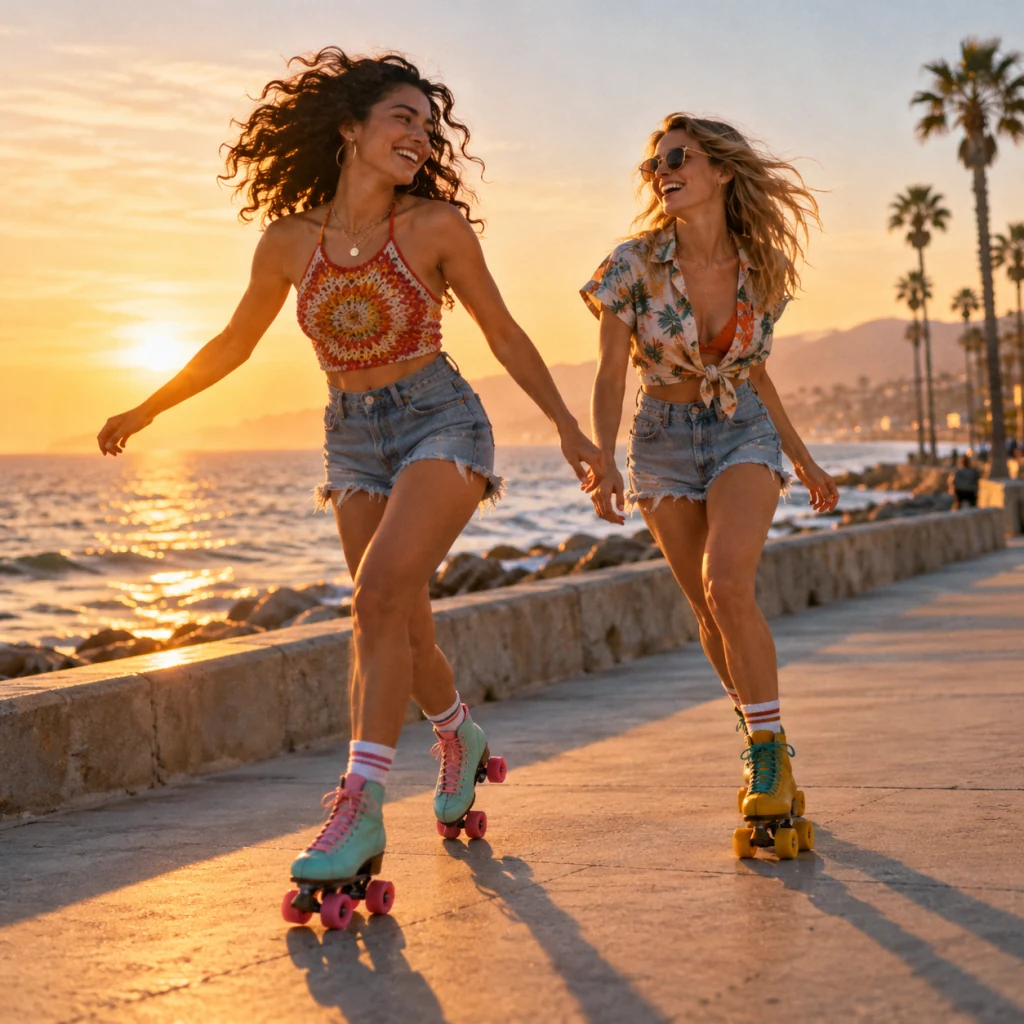
Generated Music
Sunset Skaters
Create songs or instrumentals inspired by your pictures.
Your generated songs will appear here.
Upload an image to create lyrics for a song or a music style for an instrumental. Your image drafts will appear here.


Your picture supplies the inspiration, while an editable draft and musical choices keep room for your own direction.
The image’s scene, colors and atmosphere inspire a song draft, connecting the feeling of your picture with music you can shape.
The title, lyrics and style stay editable before audio generation, so the first interpretation of your picture can develop into your own story.
Vocal songs and instrumental music share the image workflow, giving a personal memory room for lyrics or a visual project an option without singing.
Genre, mood, instruments and vocal preferences add detail to the image draft, giving your intended sound a clear place in the creative direction.
Explore the picture’s mood, add your story, and shape the words and sound before turning the draft into music.
An image to music generator starts with what a picture suggests: a place, a moment, a color palette or a feeling. CocoMusic turns those visual clues into a song draft with a title and musical direction. That draft becomes the starting point for new audio, helping a travel photograph, piece of artwork or personal memory find a sound you can develop.
Create Music From My Image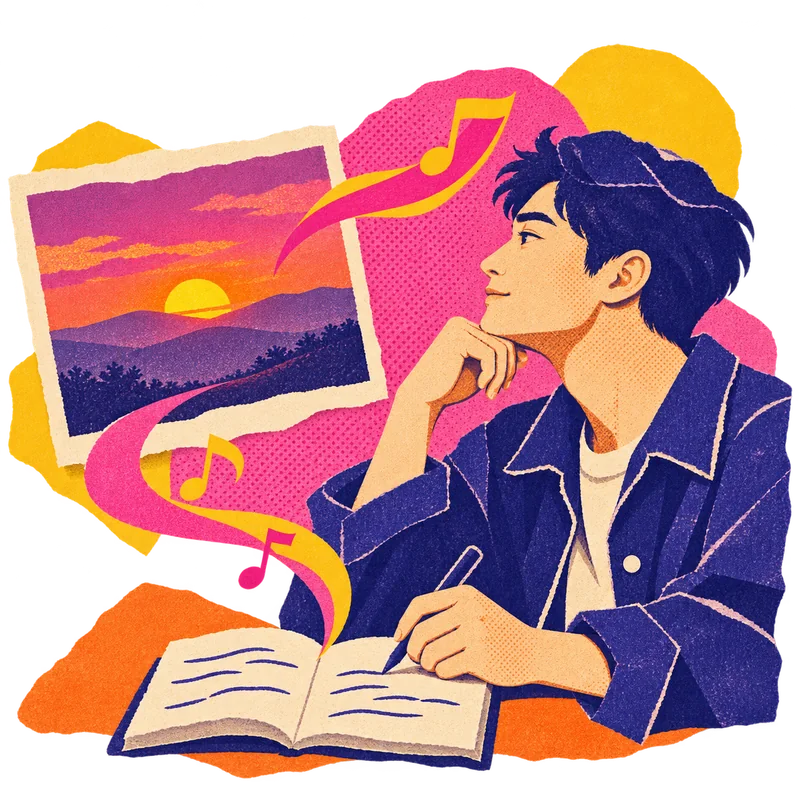
Additional Information adds the context a picture cannot show. A wedding photo might suggest celebration, while your note explains the quiet memory you want the song to hold. Story, mood, genre, instruments and lyric language can guide the draft. Your stated preferences take priority over visual inspiration, so the result has a clearer connection to the idea behind your photo.
Create Music From My Image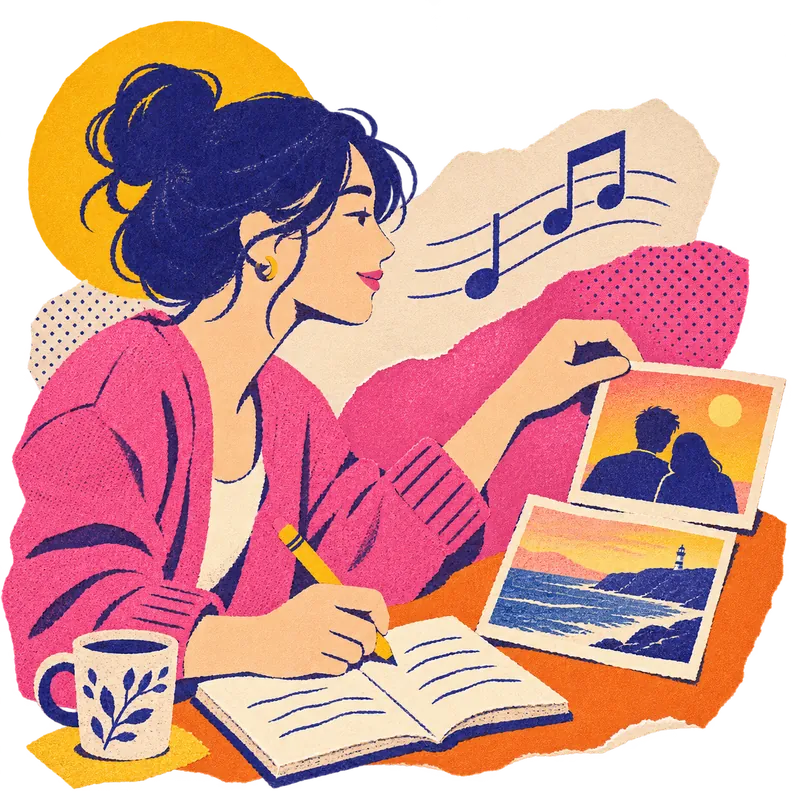
A photo can become the inspiration for a vocal song or for music without singing. With Instrumental Only, the image stage prepares a musical brief without lyrics. The song path develops words and musical style together. This lets a family moment suggest a personal song, or a landscape guide instrumental background music for a visual project.
Create Music From My Image
The first draft stays open to revision. Create Music carries the generated title, lyrics and style into the Composer, where you can rewrite a verse, change the title or refine the musical direction before audio generation. This review step helps you carry the part of the picture that matters into the finished song.
Create Music From My Image
The creation controls bring genre, mood, vocal preference and duration into the same workspace. Standard, Enhanced and High Quality options are available. One to four songs or instrumentals can be requested per generation. These choices let you compare versions of the same idea. Auto length and supported custom targets offer flexibility for your project, with availability following your creation settings.
Create Music From My Image
The examples let you hear how different pictures can lead to different musical ideas. Your generated songs appear in My Creations, where you can listen and compare them with the feeling you wanted to capture. Image drafts have their own view, so you can revisit the writing stage as well as the audio while developing another version.
Create Music From My Image
Start with a picture, prepare the draft, then review your direction before generating the audio.
Choose a photo, illustration or piece of artwork in Upload Image. Use a clear picture that carries the scene, color or feeling you want to explore through music.
Describe the story, feeling or musical style in Additional Information. Enable Instrumental Only for music without vocals, or leave it off for a song with lyrics.
Sign in to prepare your image draft. Review the credits, then select Generate Lyrics or Analyze Image. Open Create Music when it is ready and edit the draft.
Choose your music settings and review the displayed total before audio generation. Listen in My Creations when the track is ready, and revisit an image draft to develop another version.
Compare image inputs, creative controls and starting options for turning a picture into new music.
| Comparison Criteria | CocoMusic | Melobytes | Artlist | MusicCreator | Insmelo | Suno.bi |
|---|---|---|---|---|---|---|
| Image Uploads | JPG, PNG or WebP, up to 10 MB. | JPG, PNG, BMP and more; 30 MB | Not confirmed | JPEG or PNG mentioned | JPG, PNG; 10 MB | JPG, PNG or WebP |
| Music Output | Songs or instrumentals | Audio; optional video | Vocals or instrumentals | Songs | Vocals and instruments | Vocal or instrumental |
| Personal Direction | Story, theme and language notes | Not confirmed | Not confirmed | Story or feeling text | Not confirmed | Photo notes or own lyrics |
| Musical Controls | Genre, mood, styles and vocal preference | Not confirmed | Mood, genre, tempo and vocals | Genre, mood and instruments | Genre, tempo, instruments and vocals | Templates or your own style |
| Track length targets | 30 seconds to 10 minutes, depending on mode and quality. | Not confirmed | Up to 30 sec or 3 min, by model | Not confirmed | Not confirmed | Up to 8 min, by model |
| Free Starting Option | 30 credits per UTC calendar month. | Free daily runs | Free trial | Free trial for a full song | Free online; no sign up stated | Not confirmed |
| Lyric Control | Editable draft lyrics | Not confirmed | Not confirmed | Not confirmed | Not confirmed | Pasted or AI lyrics |
Answers about image files, creative direction, credits, downloads and the music you can make.
CocoMusic Image to Music turns a picture into an editable song draft or instrumental brief. Image Inspiration prepares the draft; you then review it and generate audio in Create Music.
JPG, PNG or WebP, up to 10 MB. Choose one image at a time. A photo, illustration or piece of artwork can provide the visual starting point.
Yes. Instrumental Only prepares a music brief without lyrics, then opens the instrumental creation path in Create Music. This is useful when you want the image to inspire music without singing.
Yes. Additional Information can guide the story, genre, mood, instruments, tempo and lyric language. Your stated preferences take priority over image inspiration and help explain the idea behind the picture.
Yes. Create Music lets you edit the generated title, lyrics and style direction before starting audio generation. Genre and mood choices help refine the sound beyond the first interpretation of your picture.
30 seconds to 10 minutes, depending on mode and quality. Auto is also available. Requested length is a target, so the finished timing can vary.
Yes, eligible creation can use a Free account’s 30 credits per UTC calendar month. Image preparation and music generation each use credits. Unused free credits expire at month end. Each action shows its cost before you start.
Yes. Downloads require both the song’s saved download permission and either an active paid plan or valid unused credits from a purchased credit pack. Eligible songs offer MP3 and WAV downloads.
Yes, if the song has a valid saved commercial license, you hold the necessary source permissions, and you have either an active paid plan or valid unused credits from a purchased credit pack. A commercial license does not guarantee copyright ownership, exclusivity or platform acceptance.
No. This tool generates new music from a picture and your creative direction. To pair a photo with an existing recording, use Photo Music Video as a separate video editing step.
Understand how CocoMusic handles your creative material and access to the songs you choose to share.
Anyone with a valid listening link can listen. A listening link is the step that opens a song beyond your library.
This policy covers your prompts, lyrics, uploaded files and generated songs. It applies to CocoMusic’s use of that material.
The service receives the image and creative information needed for your request. These inputs give the draft its visual and personal context.
Revoking a listening link stops new visits. Audio already saved on someone else’s device cannot be recalled.
Start with an image, shape the draft, and explore the song or instrumental it inspires.